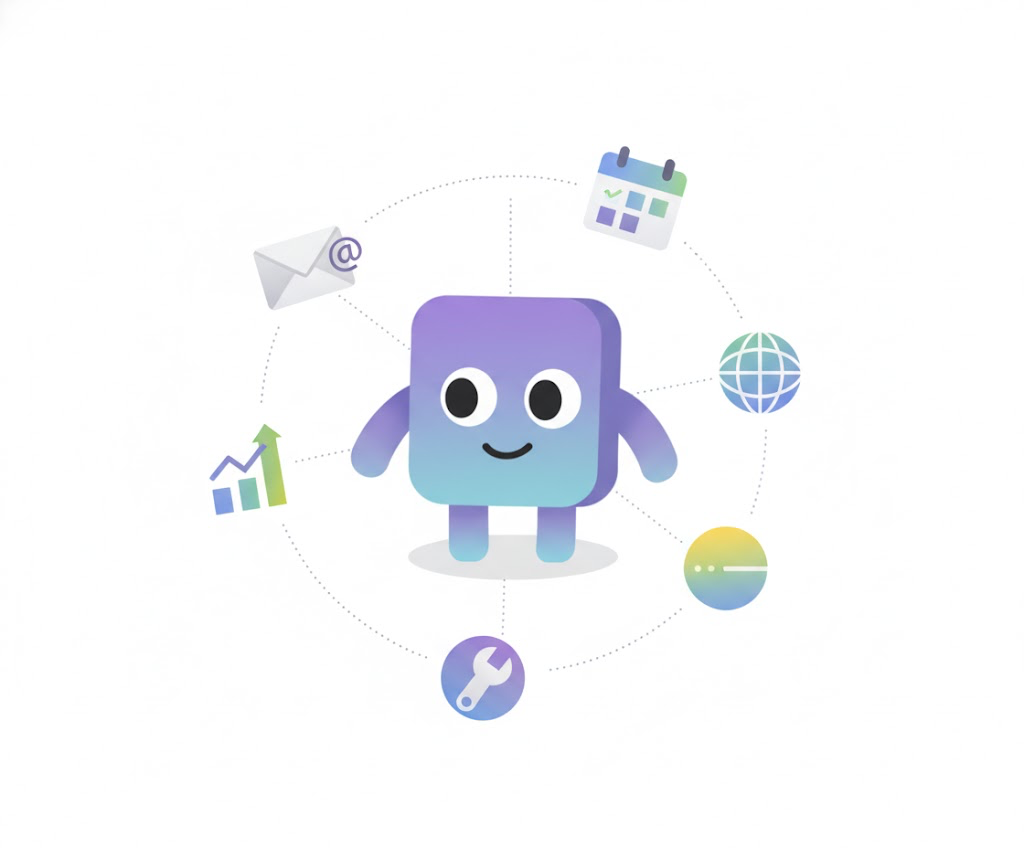
In recent years, large language models (LLMs) have evolved beyond text-based chatbots into agents capable of executing tools—functions that let them gather new information, interact with external systems, or even take actions that affect the real world. By integrating LLMs with tools inside structured workflows, we can now build applications that were once unimaginable—such as vibe coding agents, agentic shopping experiences, or autonomous trip planners.
This rise of the agentic paradigm comes hand in hand with a new discipline: context engineering. As LLMs become active participants in workflows, the design and management of their context—everything the model “knows” at each step of the workflow—has become central to system reliability and performance.
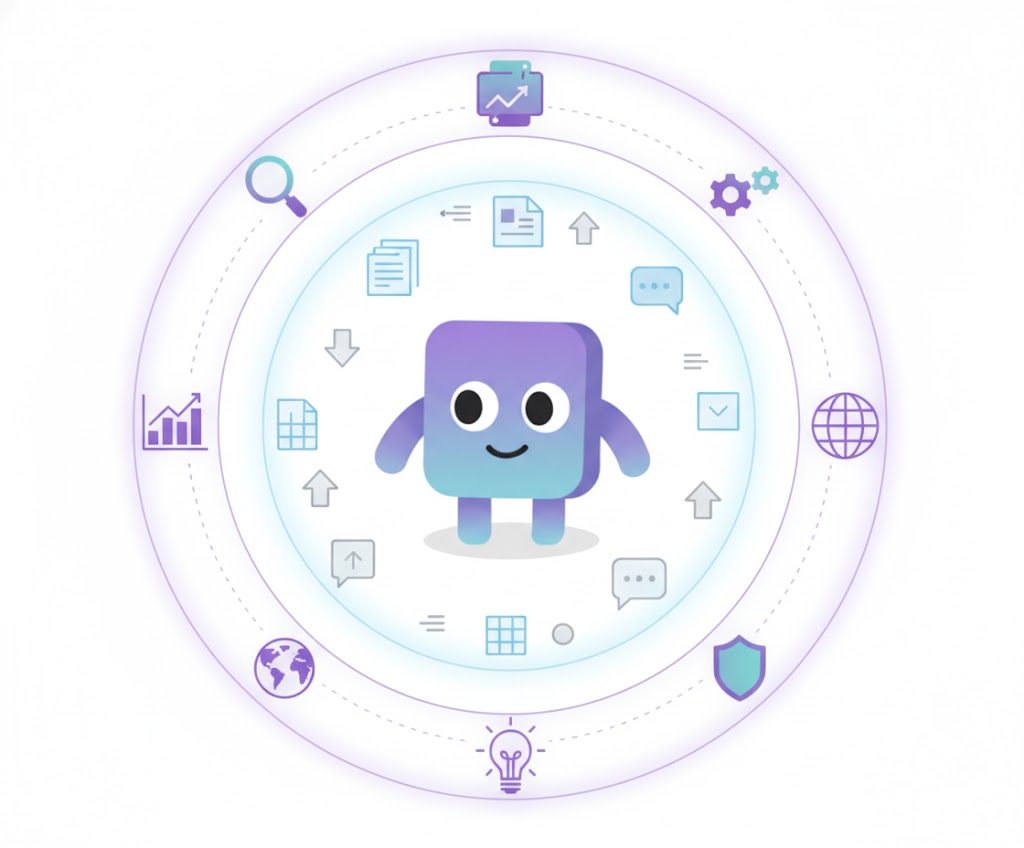
LLMs operate entirely on context: the sequence of input tokens that defines their understanding of the world. Context goes far beyond what the user types or what’s written in a static system prompt. It includes the conversation history, the results and feedback from tool executions, and any external data retrieved from APIs or the web. In short, context is the working memory of an agent—and it often determines whether a system succeeds or fails.
Designing effective context is a balancing act. Too much context can confuse or distract the model; too little can lead to hallucination or poor reasoning. Building context means intentionally curating what information is included, how it’s structured, and how it evolves as the agent acts. For example, a travel-planning agent without access to recent attraction reviews will inevitably produce less accurate and less useful itineraries. Like a human decision-maker, an LLM can only perform as well as the information and tools it’s given.

Over the past weeks, I’ve been working with Typhoon 2.5—the latest iteration of the Typhoon models, designed specifically for agentic workloads. Through building, testing, and iterating with Typhoon 2.5, I’ve learned a lot about what makes an agentic workflow succeed—or quietly fail. In this article, I want to share the 20 principles of best practices I’ve discovered along the way, and explore one central question:
Evaluation-Driven Development

Before we dive into context engineering, we need to first talk about evaluation-driven development (EDD). It may sound unusual, but having a strong evaluation suite is the single most important foundation before building any agentic workflow. A good evaluation suite acts as your compass—it tells you whether you’re moving in the right direction or not.
In essence, EDD is much like test-driven development (TDD) in traditional software engineering, except instead of writing tests for code, you design evaluations for your models, data, and workflows to guide iterative improvement.
Ideally, this suite is automated and designed to run frequently, reliably, and accurately. It should provide a signal that is:
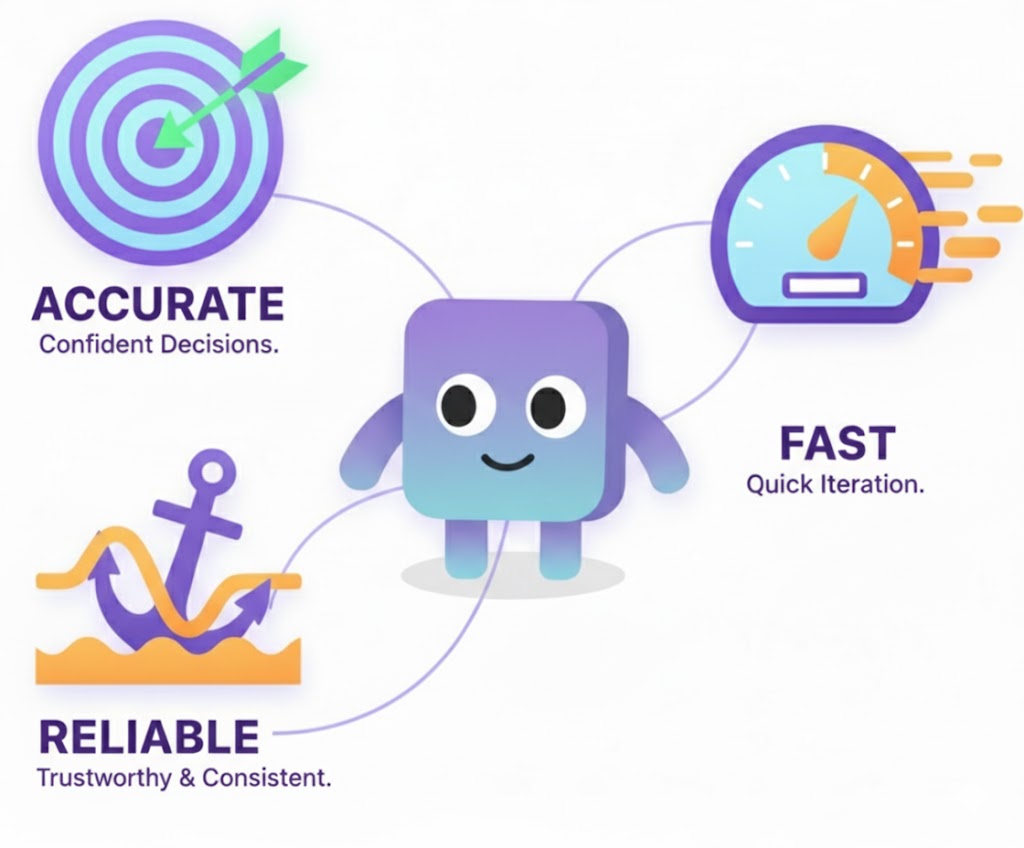
- Accurate, so you can make decisions with confidence.
- Reliable, so you can trust the results even as your system changes.
- Fast, so it’s easy to run repeatedly during iteration.
Without this foundation, it’s impossible to know whether each change is truly an improvement. You might feel that things are getting better, but that’s just intuition talking. When someone in a meeting asks, “So, how do we know the system is actually good?”, what do you show them? Without solid evaluation, you don’t have much more than a hunch. A proper evaluation suite gives you something concrete—numbers, signals, evidence—that you can point to with confidence. It turns “I think it’s better” into “Here’s the data that shows it’s better.” Evaluation isn’t just about debugging models; it’s about enabling data-driven decisions across the whole development process.
At first, evaluation may seem unrelated to context engineering—but it’s actually fundamental. How can we design better prompts, workflows, or tool integrations if we don’t even know how well the current system performs? EDD answers that question by ensuring we have a measurable way to track and improve performance as we build.
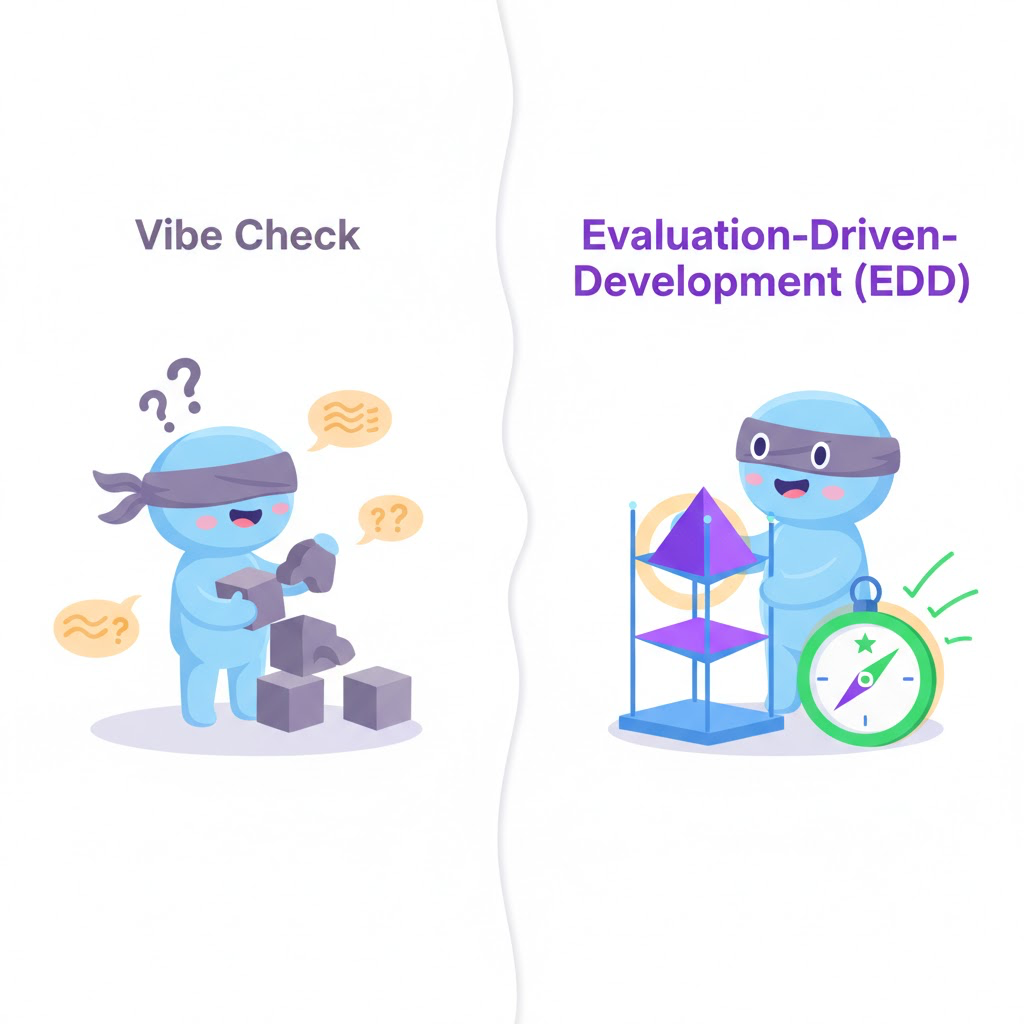
Some people like to vibe-check their workflow—just play with it, see how it feels, tweak a few things, and watch what happens. Honestly, I do this too. It’s fun, and sometimes it’s the fastest way to get a sense of whether an idea is heading in the right direction. You learn a lot by just poking at the system.
But as the workflow grows, that kind of testing starts to break down. Suddenly you’re spending half your time rerunning the same scenarios, trying to remember whether something that worked yesterday still works today. You fix one bug, and another quietly slips in somewhere else. Without some form of automated evaluation, it becomes nearly impossible to know if you’re genuinely improving the system—or just chasing ghosts from your last change.
Agentic workflows might feel different from traditional software, but they’re still software systems at their core. And if there’s one principle worth carrying over from classical engineering, it’s test-driven development (TDD). TDD encourages developers to write tests before writing code—focusing on outcomes first, implementation second. In the same way, evaluation-driven development encourages us to define how success is measured before we start building. It transforms development from intuition-driven to data-driven, helping us evolve workflows with confidence and purpose.
Principle #1: Metrics—Define What You Want To Measure
A core part of evaluation-driven development (EDD) is choosing the right metrics—in other words, deciding what success actually looks like. The right metrics depend heavily on your domain and the purpose of your agent. There’s no universal answer here; what matters is that your metrics reflect what you truly care about.
For example, if you’re building a customer-support agent, you might focus on how fast the agent responds and how effectively it resolves user issues. On the other hand, if you’re developing a code-editing agent, you may care not only about whether the code works but also whether it remains readable and maintainable for future developers.
In other words, it’s not enough to just pick metrics—you need to ensure they provide accurate feedback on what really matters. Good metrics act as your feedback loop: they tell you when you’re improving and when you’re quietly making things worse.
Here are a few common metrics to consider when designing your own evaluation suite:
🎯 Accuracy / Pass Rate / Success Rate
How often does your workflow or agent achieve the desired outcome? This is one of the most common and straightforward metrics. You can apply it at multiple levels—such as a single tool, a sub-agent, or an entire workflow. It’s usually expressed as a percentage of successful runs.
🕣 Processing Time
How long does it take for the workflow or agent to complete a task or produce a response? Measuring latency both at the system level and at individual components helps identify performance bottlenecks. For LLMs, this includes time to first token (TTFT)—how long the user waits before seeing the first output—and inter-token latency (ITL)—the speed at which tokens are generated. Both directly affect user experience and perceived responsiveness.
⚙️ System Performance
Beyond correctness, you’ll often care about scalability and throughput. How well can your system handle real-world load? How many concurrent requests or tokens per second can it process? A highly accurate agent isn’t much use if it’s so slow or fragile that users abandon it before it finishes. System-level performance metrics help you balance quality with practicality.
Choosing and tracking the right metrics gives you something solid to point to when making decisions. Metrics don’t just measure progress—they enable it.
Principle #2: Designing Test Cases for Agentic Workflow
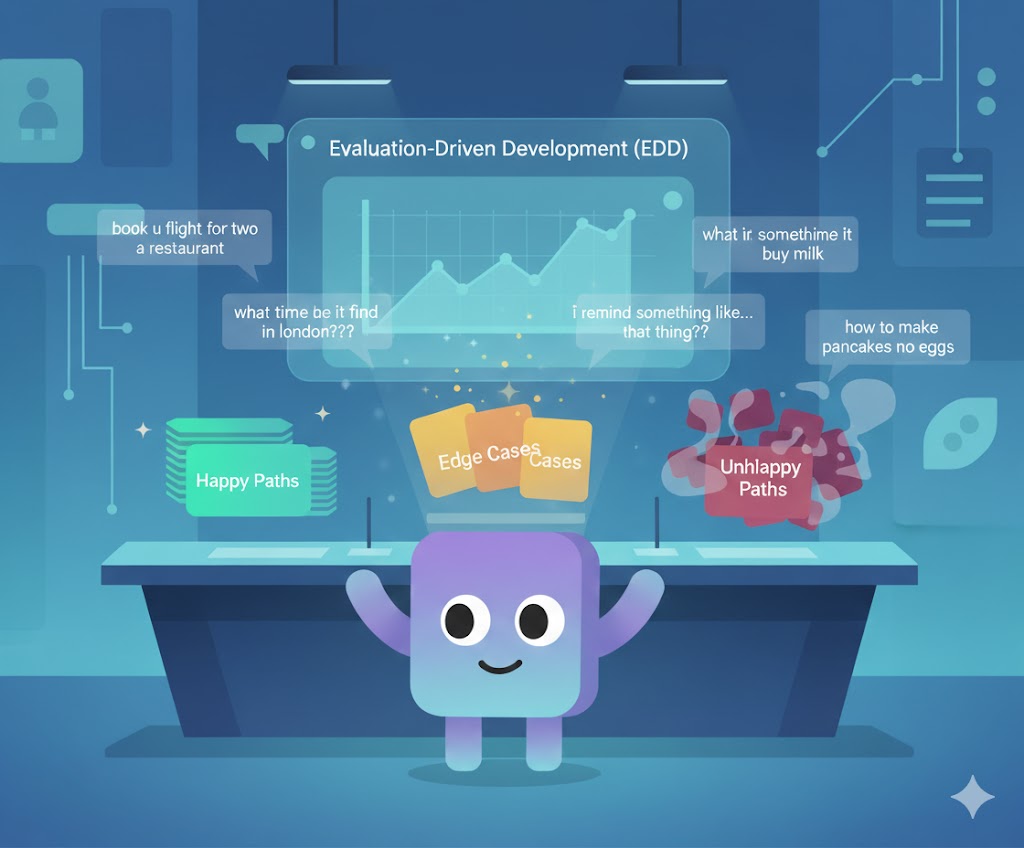
images in this blog post are AI-generated and may contain typos
Like in TDD, EDD starts with designing test cases around the main user journeys of your agentic workflow. Begin with the happy paths—the ideal scenarios where everything works as expected. Once those are solid, gradually add tests for edge cases and unhappy paths to expand your coverage and build confidence over time.
However, there’s a key difference between traditional software testing and testing agentic systems. In TDD, inputs are usually structured and predictable. In agentic workflows, user input comes as natural language, which is open-ended and infinitely varied. A user can type anything—misspell a word, phrase a request vaguely, or ask for something impossible. Some will deliberately push your system’s limits or try to break it. Testing in this kind of environment means embracing the fact that input space is unbounded.
You should still design the main happy-path scenarios manually—they represent the journeys you care most about. But once those are in place, you can leverage LLMs themselves to help you generate additional test cases. This is one of the hidden powers of working with language models: they’re great at producing realistic input variations that humans might overlook. By letting an LLM propose alternate phrasings, corner cases, or unexpected behaviors, you can stress-test your workflow’s robustness and resilience to real-world usage.
Principle #3: Embrace The Uncertainty
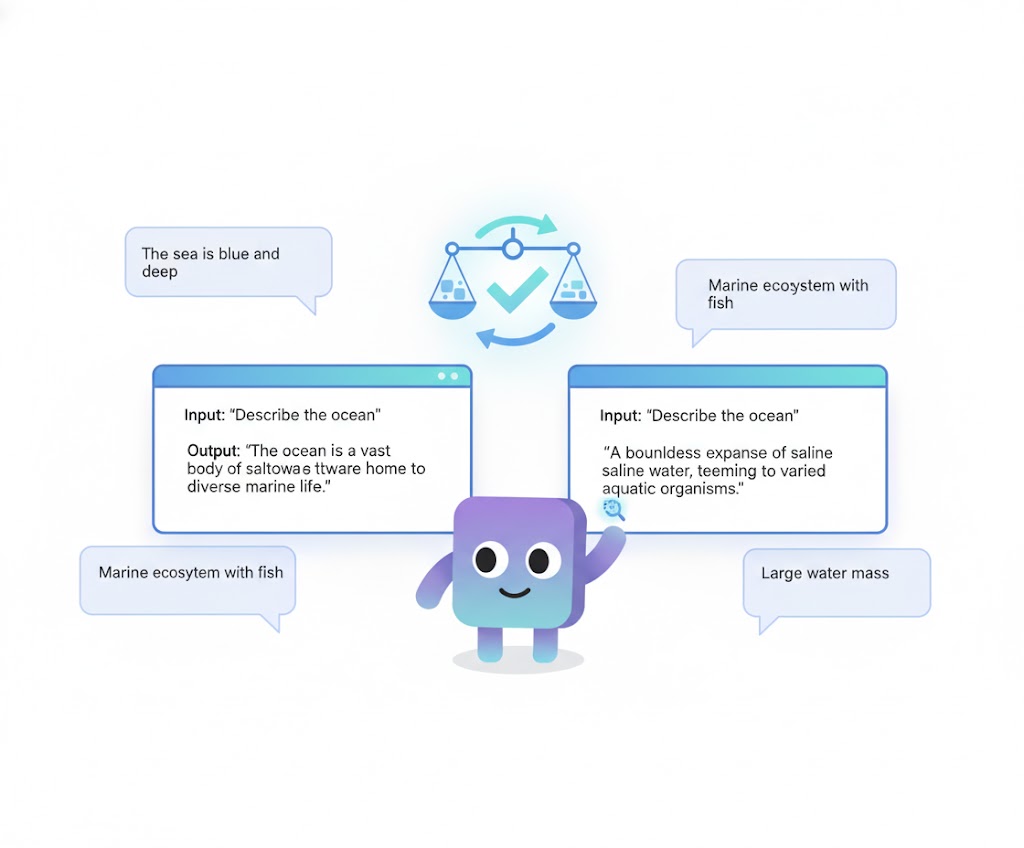
That said, testing agentic workflows introduces another unique challenge: non-determinism. Unlike traditional software, the same input to an LLM might yield slightly different outputs each time. This makes simple keyword or exact-match checks unreliable—you can’t just compare strings and call it a pass or fail. Understanding this non-determinism is crucial when designing your test suite for LLM-driven systems.
So, how do you handle evaluation when outputs vary naturally? One powerful approach is to use an LLM as a judge. Instead of checking for exact matches, you can prompt an LLM to evaluate whether the generated output is semantically equivalent to the expected result. This approach is now widely used in both research and industry, because LLMs are naturally good at understanding language meaning and context. You simply provide the model with both the reference output and the candidate output, and ask it to compare or classify them—such as “good,” “neutral,” or “bad”—based on semantic alignment.
It’s worth noting that current models aren’t great at producing precise numeric scores. They tend to be more consistent when making categorical judgments or direct comparisons rather than assigning exact numbers. Think of it like human evaluation: we can usually tell whether something is better or worse, but quantifying how much better on a 1–10 scale is fuzzy at best. Using qualitative judgments keeps your evaluations both simpler and more reliable.
Of course, not every test needs to rely on an LLM judge. Running an extra model call adds cost and latency, so it’s best reserved for cases where semantic evaluation truly matters. For structural or deterministic checks—like verifying whether a workflow followed the correct path or whether a tool was called as expected—traditional assertions work perfectly fine. A well-designed test suite mixes both: lightweight checks for logic and flow, and LLM judges for open-ended language evaluation.
Summary: EDD
EDD gives us the foundation to build agentic workflows with confidence. By defining clear metrics, designing meaningful test cases, and handling non-determinism thoughtfully, we can measure progress objectively instead of relying on intuition. Automated evaluation becomes our feedback loop—it tells us, with data, whether each change is an improvement or a regression.
This feedback loop is what makes iterative development possible. With fast and reliable evaluation in place, you can experiment freely—adjust prompts, rewire tools, or redesign workflows—without fear of losing ground. The system evolves through cycles of build, test, learn, and refine. Over time, this process compounds: your workflow becomes more capable, more robust, and more aligned with real-world use.
But even the best evaluation suite can only measure what the system is given to work with. That brings us to the other half of the equation: context. In agentic systems, context defines what the model knows, remembers, and understands at any point in time. The structure, clarity, and completeness of that context often determine whether an agent succeeds or fails—no matter how strong your evaluation loop is.
In the next section, we’ll explore Context Engineering—the discipline of designing, managing, and optimizing the information that an LLM operates on. We’ll look at how to “own your context,” build it intentionally, and recover gracefully when things go wrong.
Context Engineering
Before we dive into context engineering, let’s take a closer look at what context really means and why it matters so much in agentic systems.
A Brief Introduction to Context Engineering
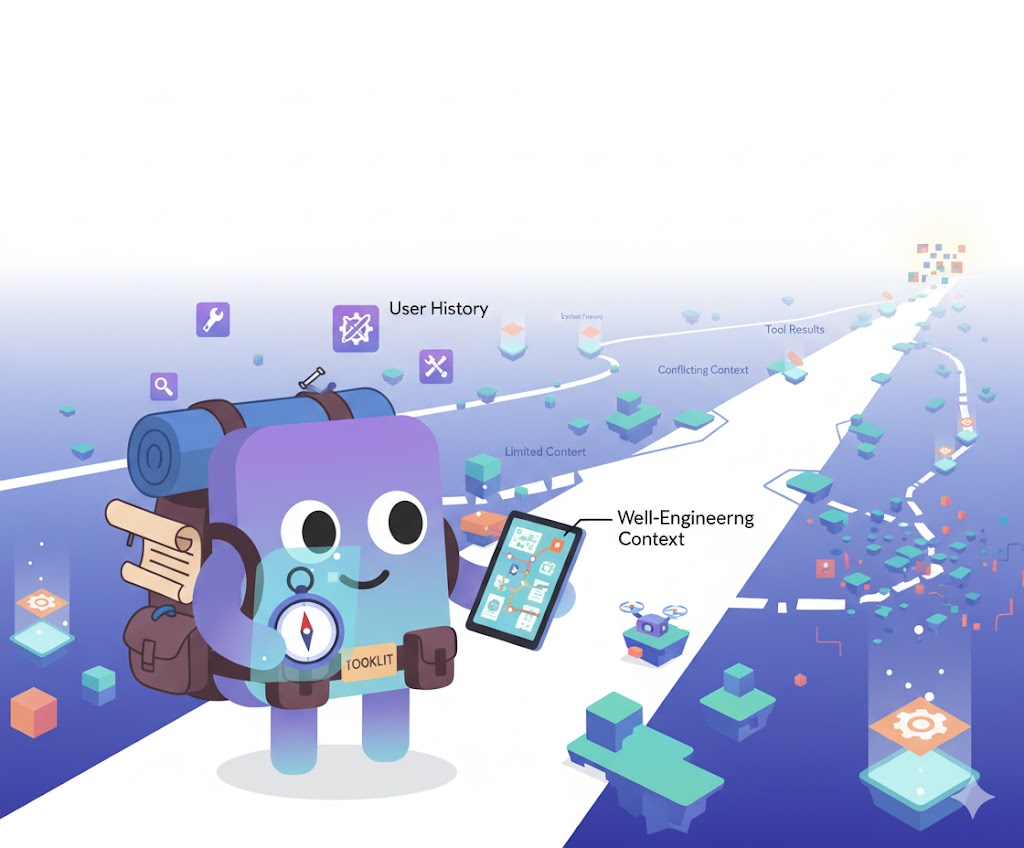
Why Context Matters?
Like humans, LLMs make decisions based only on the information available to them at a given moment. Our own “context” comes from what we can see, hear, and remember — the sensory and experiential data we use to make sense of the world. When we have richer context, we make better decisions; when we lack it, we guess, improvise, or get things wrong. The same principle applies to LLMs.
Imagine you walk into a new café that just opened today. There are no reviews, no recommendations, no prior visits to guide you. You order a mocha, only to find it’s not very good. The next day, you try a latte instead and discover it’s excellent. That small feedback loop — trial, result, adjustment — enriches your context. The next time, you already “know” what to do.
For LLM agents, context works in exactly this way. Each interaction, tool result, or feedback from the environment builds a richer internal understanding that helps the agent make better decisions over time.
What Context Actually Is?
In LLM systems, context refers to everything the model has access to when generating its next response. This goes far beyond what a user types into a chat box.
At its core, context includes:
- Prompts — both system and user inputs.
- Conversation history — all prior exchanges between the user and the model.
- Tool feedback — data returned from external APIs or tool executions.
- Retrieved or external information — any additional data pulled from databases, documents, or the web.
- And more…
In other words, context is the model’s working memory. It defines what the model “knows” at any given step, shaping how it reasons, acts, and adapts.
While prompt engineering focuses on crafting effective inputs, context engineering is broader. It involves designing, managing, and evolving this entire information space — deciding what stays, what’s removed, and how each piece of information flows through the system.
The Constraint: Limited Context Windows

Unfortunately, LLMs don’t have infinite memory. Each model has a context window — a fixed number of tokens it can process at once. Once that limit is reached, older or less relevant information must be trimmed, summarized, or excluded.
This introduces trade-offs. More context isn’t always better: long contexts slow down inference, increase costs, and can even lead to hallucination if irrelevant details clutter the model’s attention. Too little context, on the other hand, leaves the model underinformed and prone to making poor decisions.
Effective systems must therefore balance breadth (how much the model can “see”) with focus (how clearly it understands what matters).
The Role of Context Engineering
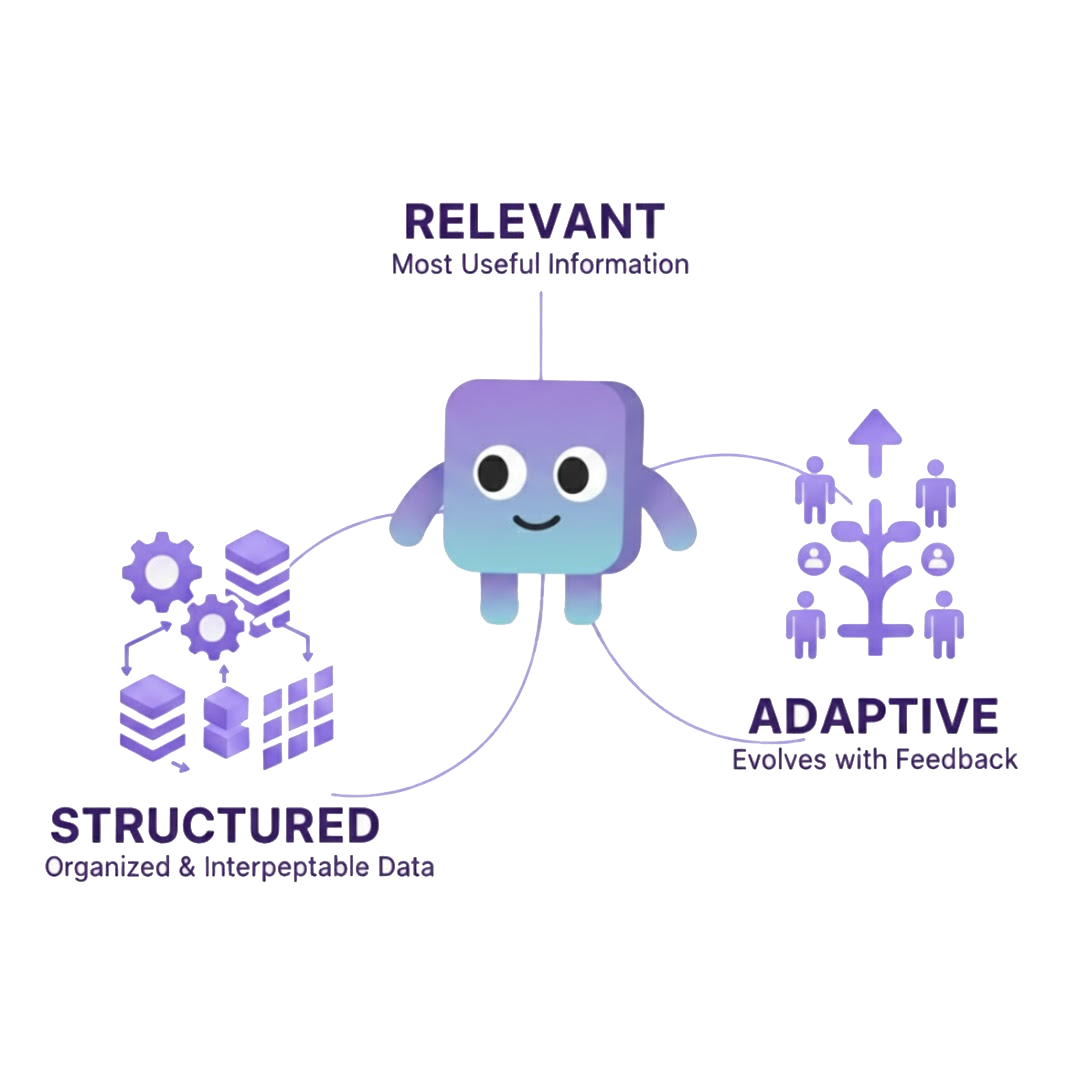
This balancing act is where context engineering comes in. It’s the art and science of constructing the model’s working memory so that every token counts.
A well-engineered context is:
- Relevant — only the most useful information is included.
- Structured — data is organized so the model can interpret it easily.
- Adaptive — it evolves as the agent gathers feedback and new information.
Context engineering asks the same question that underpins all intelligent systems:
How can we help the model understand its world better, within the limits of what it can remember?
Later in this section, we’ll explore practical strategies for building and managing context — from prompt design to workflow orchestration — and see how intentional context design can turn a capable model into a truly agentic system.
Principle #4: Context Engineering is Both Art and Science
The term “context engineering” was first introduced by Tobi Lütke, CEO of Shopify, who described it as:
I really like the term “context engineering” over prompt engineering.
— tobi lutke (@tobi) June 19, 2025
It describes the core skill better: the art of providing all the context for the task to be plausibly solvable by the LLM.
It was later expanded upon by Andrej Karpathy, who offered perhaps the most widely cited articulation of the idea. Karpathy described context engineering as both an art and a science:
[…] context engineering is the delicate art and science of filling the context window with just the right information for the next step.
He elaborated that it’s a science because it “involves task descriptions and explanations, few shot examples, RAG, related (possibly multimodal) data, tools, state and history, compacting... Too little or of the wrong form and the LLM doesn't have the right context for optimal performance. Too much or too irrelevant and the LLM costs might go up and performance might come down” But it’s also an art, because doing it well requires intuition: “the guiding intuition around LLM psychology of people spirits”
+1 for "context engineering" over "prompt engineering".
— Andrej Karpathy (@karpathy) June 25, 2025
People associate prompts with short task descriptions you'd give an LLM in your day-to-day use. When in every industrial-strength LLM app, context engineering is the delicate art and science of filling the context window… https://t.co/Ne65F6vFcf
In other words, context engineering is not just about feeding information to an LLM — it’s about shaping its cognitive environment. The way you compose, prioritize, and structure that information directly determines the model’s performance. Too little, and it lacks the grounding to act intelligently. Too much, or in the wrong form, and you risk bloating the context window, slowing inference, or degrading reasoning quality.
This duality — part engineering discipline, part psychological intuition — is what makes context engineering so challenging and so powerful.
Let’s now explore how to actually build this context: what it means to “own” the information an LLM operates on, and how to design it intentionally at each stage of an agentic workflow.
Build Your Context
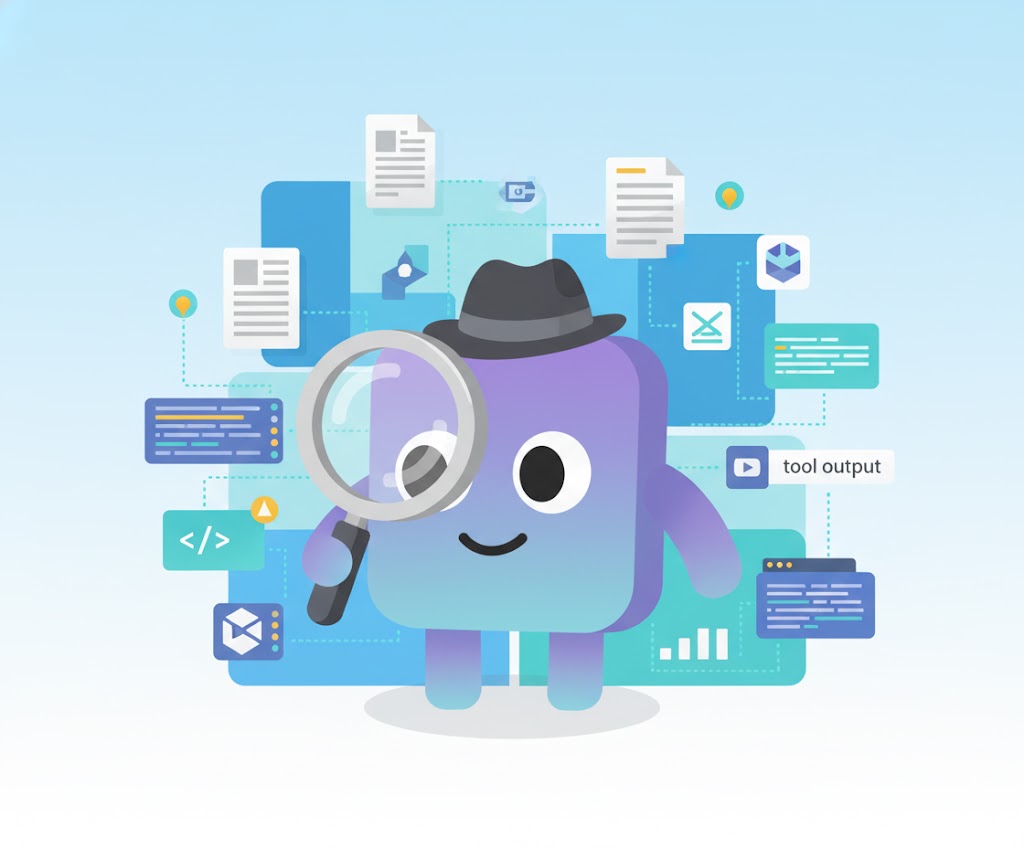
Think of context engineering like detective work. Your goal is to give the model just enough clues to solve the case — to understand the user’s intent, reason about the situation, and decide what to do next. Each piece of data, tool output, or feedback you provide is a clue that narrows the search space and improves the model’s judgment.
Doing this well means learning to think like an LLM. You must anticipate what the model knows, what it doesn’t, and what kind of evidence would help it act correctly. This mindset — owning the context — turns you from a passive prompt writer into an active system designer.
This becomes even more complex when you consider that different LLMs have different ranges of capabilities, styles, and sensitivities. A strategy that works perfectly for one model may fail or behave unpredictably in another. Developing intuition for these differences can’t be done from documentation alone — it comes only through direct interaction and experimentation, until you begin to feel how each model interprets and responds to information.
Here are a few simple principles for building good context for an LLM:
Principle #5: Start with Intent
Before you add anything to the context, ask: What decision or action does the model need to take next?
Every token you include should serve that purpose. The earlier the stage in the workflow, the more foundational your context should be — things like user identity, goals, or relevant system state. As the workflow progresses, the context can become more specialized, containing instructions, intermediate results, or feedback loops.
Principle #6: Curate Relevant Information
At each step, identify the minimal set of information the model truly needs. This might include:
- Structured user or task data retrieved from tools.
- Summaries of prior interactions.
- Results or errors from previous tool calls.
- Descriptions of available tools and how they work.
This curation process mirrors the reasoning flow of the model itself. For instance, if the model is about to make a decision that depends on user preferences, ensuring those preferences are present — even as a brief reminder — can dramatically improve the quality of its output.
Principle #7: Design for Stages of Understanding
Different stages of a workflow require different kinds of context:
- Early stages → supply identity, goals, and background.
- Middle stages → include intermediate results, relevant external data, and execution feedback.
- Late stages → focus on summaries, outcomes, and validation checks.
This progression keeps the model’s attention focused and prevents context sprawl — the gradual buildup of irrelevant or redundant information.
Bonus: Context Editing—Manipulating Through Time and Space
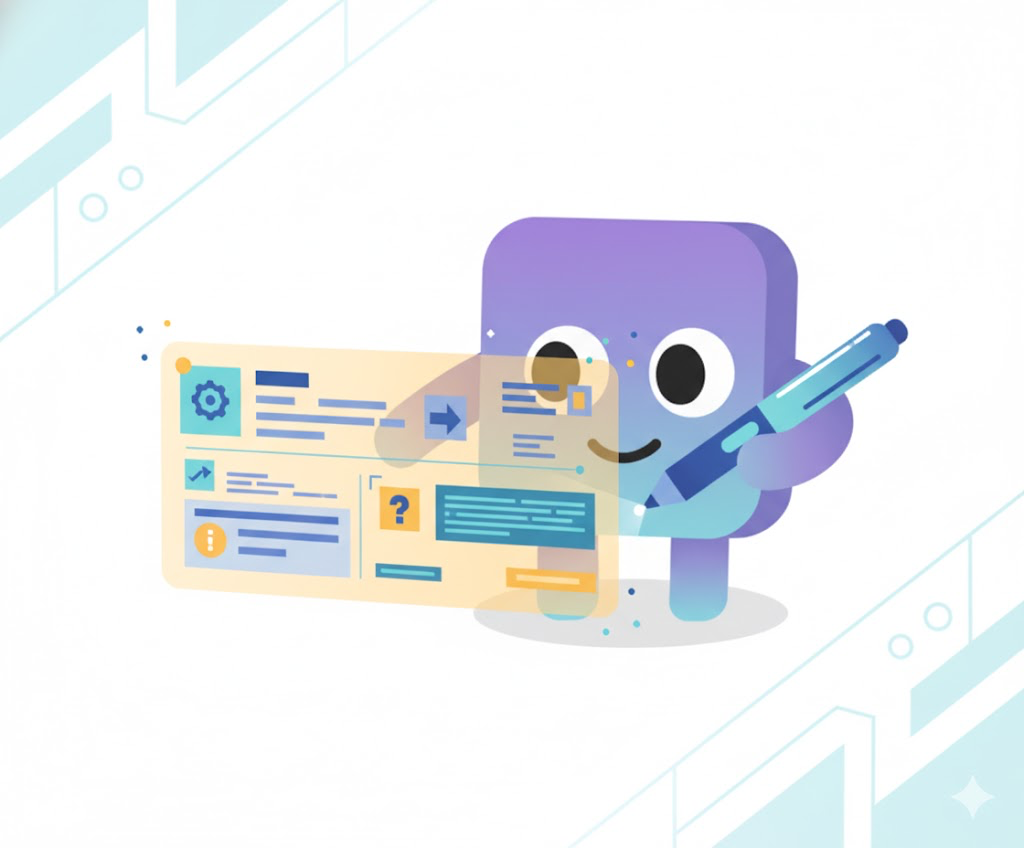
Since message history is represented as an array of message objects, you can directly edit or inject turns to guide the model’s understanding. Manually adding a new user or assistant message — for example, a short reminder of context or an explicit clarification of intent — can help the model orient itself and make more accurate decisions in subsequent steps. Likewise, editing existing messages to remove irrelevant tool results or outdated information keeps the context clean and focused. This kind of direct manipulation is one of the most powerful ways to steer an agentic system without retraining or prompt rewriting.
Summary: Context Engineering
In short, building context is about creating the environment in which the model can think clearly. Every message, tool result, and piece of retrieved data becomes part of its working memory — and it’s your job to make that memory precise, relevant, and useful. Now let’s get started with the first component of our context: the prompt.
Prompt Engineering

Once the right information is selected, the next challenge is how to communicate it. That’s where prompt engineering begins — structuring, formatting, and phrasing information so the LLM interprets it correctly. The prompt is the most visible part of the context, but it only performs as well as the foundation beneath it.
Here are five core principles I’ve found especially useful when iterating on and improving prompts in agentic workflows.
Principle #8: Version Control Your Prompt
Treat the prompt as part of your source code. Check it into version control (e.g., Git) alongside your workflow logic, and track observed behaviors and performance changes with each revision. This allows you to understand how even small edits affect overall system behavior.
Unlike traditional software, agentic workflows can change dramatically without a single line of code being modified — a single word or phrasing in the prompt might alter how the agent plans, reasons, or uses tools. Tracking these changes systematically turns prompt iteration from intuition-driven tweaking into a measurable, reproducible process.
Principle #9: Keep It Simple (KISS)
The same rule that applies in software engineering applies here: Keep it simple. Complex, cluttered, or poorly structured prompts confuse both humans and models. A well-organized, minimal prompt benefits everyone — the developer, the reviewer, and the LLM itself.
Simplicity improves clarity, reduces token usage, and speeds up inference. When the model receives concise and unambiguous instructions, it spends less effort parsing the setup and more effort reasoning about the task.
However, a simple prompt doesn’t necessarily mean a short one. A simple prompt should provide just enough information for the LLM to work effectively — no more, no less. It may be long, but every token should serve a clear purpose. In fact, the same principle applies to writing a good book: length isn’t the issue; unnecessary words are.
Tip: XML is a useful structure for grouping related information clearly. This kind of structured prompt helps the LLM understand relationships between information blocks, reducing ambiguity while remaining easy to maintain. For example:
Principle #10: Guidelines Over Examples
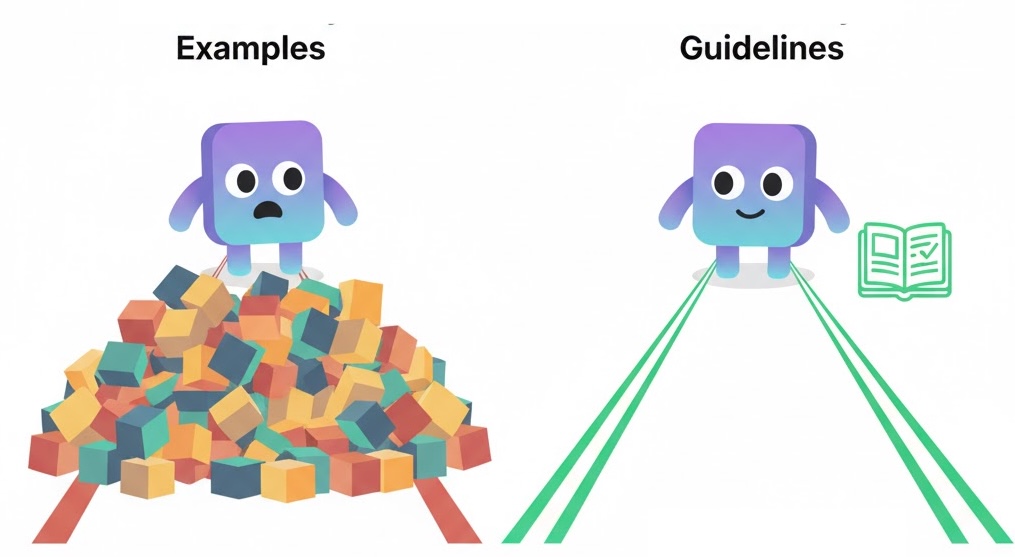
In the early days of LLMs, few-shot examples were essential for good results. But modern instruction-tuned models no longer need them — and in long-running agentic workflows, examples can actually hurt performance.
Examples consume valuable context space and may mislead the model by blending sample data with live instructions. In some cases, the model even mistakes example text for user input, leading to subtle hallucinations or undesired behaviors.
Instead of filling your prompt with demonstrations, use clear guidelines to define expectations and boundaries. Reserve examples only for highly structured tasks (like code formatting or style transfer) where they add concrete value.
Principle #11: Avoid Conflicting Information
Conflicting instructions are a model’s worst enemy — and often, the developer’s too. Inconsistent guidance can arise not just in the main prompt, but also in tool descriptions, documentation, or context updates.
Ensure that every instruction points in the same direction. If multiple components describe overlapping responsibilities, reconcile them early. Just as with human teams, mixed signals create confusion, hesitation, and unpredictable outcomes. A coherent set of instructions forms the backbone of a stable agentic system.
Principle #12: Make the Agent Aware of Its Workflow and Tools
An LLM should know the world it lives in. Providing a high-level overview of the workflow, along with the tools it can access and when to use them, helps align its reasoning with system design.
Simply providing tools in the API template is often not enough — especially for smaller models. Explicitly describe:
- What each tool does and when to use it.
- How tools relate to each other.
- What the model should do before or after using a tool.
This awareness helps the agent plan and reason systematically rather than blindly executing calls.
Bonus: Prompt LLMs in English (Even in Multilingual Settings)
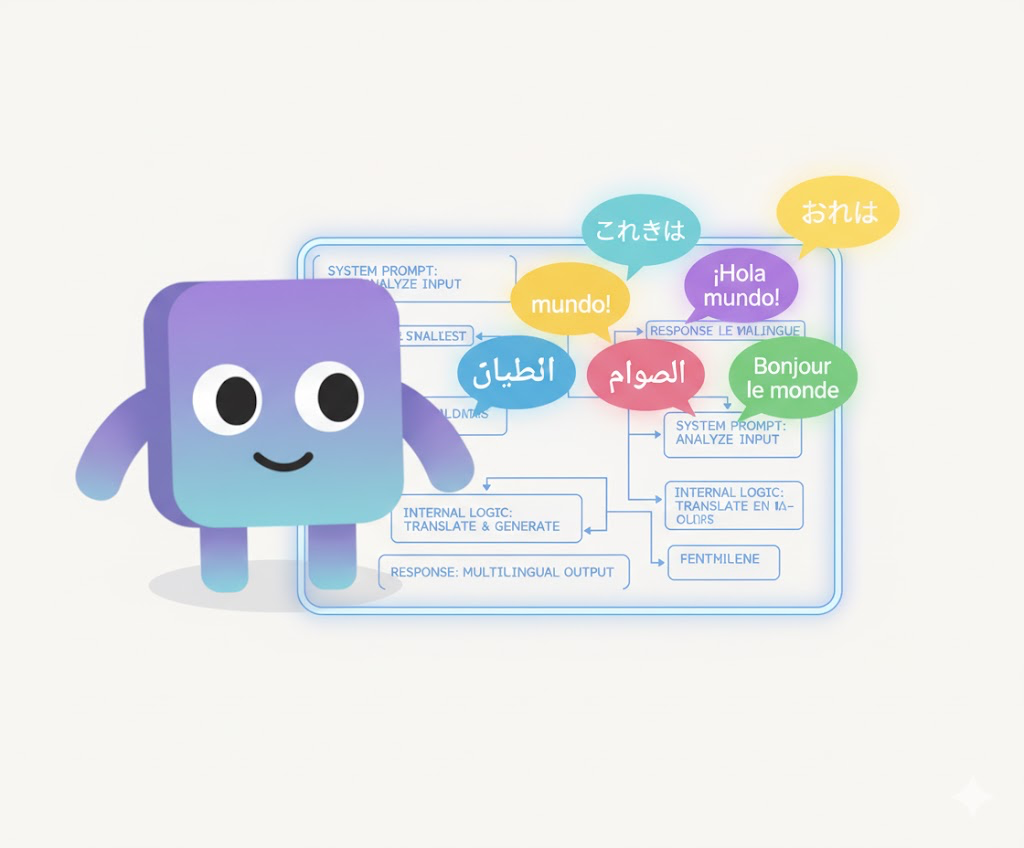
Here’s an often-overlooked detail: write your system prompts and tool descriptions in English, even if your users interact in other languages.
Most modern LLMs are trained primarily on English text, making them more proficient at understanding and following English instructions. By writing the underlying system logic in English, you ensure the model interprets your directions with maximum precision.
For multilingual workflows, it’s fine to handle user inputs and outputs in other languages — simply instruct the model to respond in the user’s language. But keep the “thinking layer” (system prompts, internal notes, tool specs) in English whenever possible. It usually leads to clearer reasoning and fewer inconsistencies.
Summary: Prompt Engineering
Good prompt engineering is less about clever phrasing and more about clarity, consistency, and control. A great prompt helps the model think clearly, stay focused, and act reliably. Version-control it, simplify it, and structure it intentionally — because in the end, the best prompt is the one that disappears into the workflow, leaving only good experience behind.
Extends LLM Capabilities With Tools
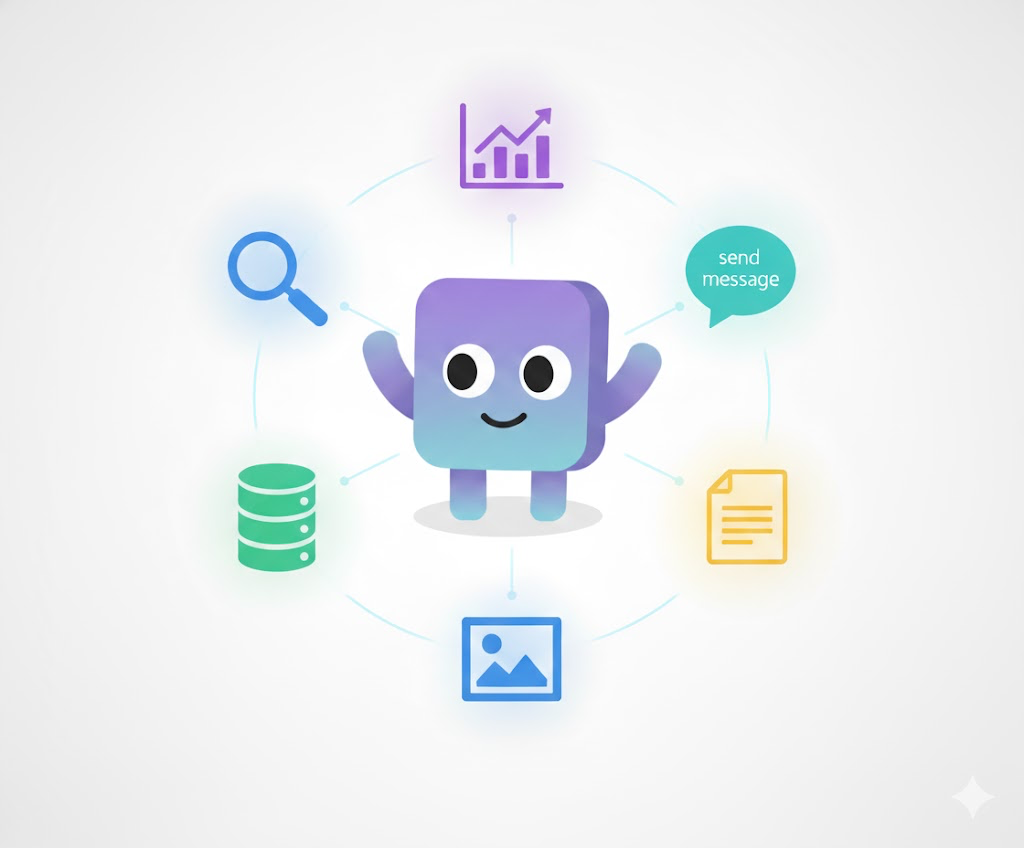
If prompts shape how an LLM thinks, tools define how it acts. In an agentic workflow, a tool is any function an LLM can call to gather new information or take actions that affect the external world — from querying a database or reading a file to sending a message or generating an image.
Designing good tools, however, is not simple. You have to think like an LLM that has just been dropped into an unfamiliar environment. It knows how to reason, but not how the world around it works. A well-designed tool should clearly communicate its purpose, make its capabilities discoverable, and guide the model toward using it effectively.
Broadly, tools fall into two categories:
- Information tools — give the LLM additional knowledge that it doesn’t already have (e.g., domain data, user profiles, text extracted from images).
- Action tools — allow the LLM to change the state of the world (e.g., updating records, saving files, or triggering external workflows).
From my experience, these are five principles that matter the most when designing tools for agentic systems.
Principle #13: Name It, Document It, Return It
Just as with maintainable software functions, a good tool should be well-named, well-documented, and honest about what it does.
Start tool names with a clear verb that signals intent (fetch_user_profile, generate_summary, update_record). Each name should reveal purpose, and every argument should be descriptive and meaningful. Documentation should explain what the tool does, when it should be used, and what its inputs and outputs mean.
And most importantly — never lie to the model.
If your documentation promises behavior the tool doesn’t actually deliver, the LLM will trust it and act accordingly. Once that trust is broken, the entire workflow can go off the rails. Clear, truthful documentation builds reliability both for humans and for models.
In addition, creating tools is often a trial-and-error process. Even if you’ve given your tool a clear name and thorough documentation, the LLM might still misunderstand it—or interpret it in unexpected ways, assuming the tool can do things it actually can’t. An evaluation loop can help catch these issues by revealing where the model’s understanding diverges from your intent. You can then iterate—renaming the tool, refining its description, or adding explicit guidelines and constraints on what it can and cannot do.
Finally, remember that LLMs operate in a natural language world. So it’s generally better to return results in a more descriptive, text-based form. Structuring data as readable strings feels more natural for the model and helps embed those data points within context, improving how the LLM interprets and reasons about them.
Principle #14: Treat the LLM as a Flow Composer

A useful way to think about tools is to imagine the LLM as a composer and your tools as musical phrases. Each tool should do enough to carry its tune — a clear, self-contained action that makes sense on its own — but not so much that it plays the entire song.
In practice, this means giving the LLM tools that are semantically meaningful building blocks it can combine to achieve higher-level goals. Just as a composer arranges phrases into a melody, the LLM should be able to orchestrate tool calls to plan, reason, and act dynamically. If a tool is too granular, the model gets lost managing details; if it’s too abstract, it loses creative control. The right balance lets the LLM compose effectively — guided by intention, but free to improvise within structure.
Let’s make this concrete. Suppose you’re designing an email-summarization workflow. You might start with highly granular tools like:
Here, the LLM must call every function in sequence — connect_to_email_server() → fetch_email_headers() → fetch_email_body() → and so on — just to reach usable text. The model becomes a function executor, not a reasoning agent. It’s following rote steps instead of composing a higher-level plan.
Now imagine the opposite extreme: one giant function that tries to do everything.
This one is too abstract. The LLM is now reduced to filling in parameters for a pre-baked command. It loses the flexibility to reason about what to do next.
Neither extreme is ideal.
A better design finds the middle ground:
Now the LLM can compose these functions creatively: fetch new messages, summarize them, archive the rest. You’ve given it just enough expressive range to act intelligently without overcomplicating the interface.
Another important note: you’re creating tools for an LLM, not for another part of your codebase. So think of the LLM more like a human collaborator than a software component. That means your tools don’t have to expose the lowest-level technical APIs. In fact, they often shouldn’t. A good tool can handle multiple deterministic steps internally — the kind of process that should always run the same way. Let your reliable, programmatic code handle those flows instead of leaving them to the LLM’s creative (and sometimes unpredictable) execution.
For example, you wouldn’t want your LLM to handle a payment process like “get info → verify → execute payment” step by step, hoping it runs perfectly every time. It probably won’t. That’s the kind of thing you should wrap up neatly in a single tool — and let the LLM call it when needed.
The goal is simple: deterministic work belongs inside the function; interpretive work belongs to the LLM. Don’t hand the model sheet music with every note spelled out, and don’t ask it to write a symphony from scratch. Give it strong, reusable phrases — and let it compose.
Principle #15: Be Conversational About Errors
We live in a chaotic world. Servers fail, networks drop, APIs time out — errors are inevitable. Good systems don’t avoid errors; they handle them transparently. The same principle applies to tools.
If a tool encounters an error, communicate it clearly in natural language rather than hiding it or returning a cryptic code. The LLM can then decide how to recover — whether to retry, try an alternative path, or notify the user.
When tools fail silently, the model often assumes success and continues reasoning from false premises. That can cause more damage than the original error. Always surface problems honestly so the agent can respond intelligently.
In addition, don’t return cryptic errors. You might have internal error codes, but avoid exposing them directly — the LLM won’t know what they mean (and if it does, you should probably worry about how it found out!). Be descriptive instead, and when possible, include hints that can help the LLM recover from the error gracefully. Of course, some errors can be handled directly by the tool itself — if the fix is straightforward, don’t offload that work to the LLM unnecessarily.
Principle #16: Remember — Tools Can Be Anything
A “tool” is simply a function, and that function can wrap anything. It doesn’t have to be limited to APIs or databases — it can also be other models.
For example:
- An OCR model can become a tool that lets a text-only LLM read text from images.
- A generative image model can serve as a tool that lets the agent “paint” what it imagines.
- A small reasoning model can act as a helper tool for specialized classification or summarization tasks.
This composability dramatically expands the capabilities of your agent. By connecting the LLM to other models through well-designed tools, you can create multi-modal, multi-agent systems where each component contributes its own expertise.
Principle #17: Do You Really Need Tools?
Sometimes, the best tool is no tool at all.
Different models have different tendencies — some are overly eager to call tools, even when the answer is already present in their context. This can slow down workflows, waste tokens, or produce redundant calls.
A simple but effective solution is to instruct the model to look through its existing context before invoking any tool. In your system prompt or workflow instructions, make it explicit:
This small reminder often prevents unnecessary tool calls and helps the agent behave more like a thoughtful planner than a reflexive API caller.
Summary: Tool Calls
Tools are how LLMs bridge the gap between thought and action. They expand what the model can know and what it can do — but every tool you design also shapes the model’s behavior. Well-named, well-documented, and well-scoped tools empower the agent to act effectively; poorly designed ones confuse or constrain it.
Design tools intentionally. Let deterministic details live inside the functions, and let the LLM orchestrate them with creativity and purpose. That’s where the real intelligence emerges — not just in thinking, but in acting well.
Agentic Workflow: Tie It All Together
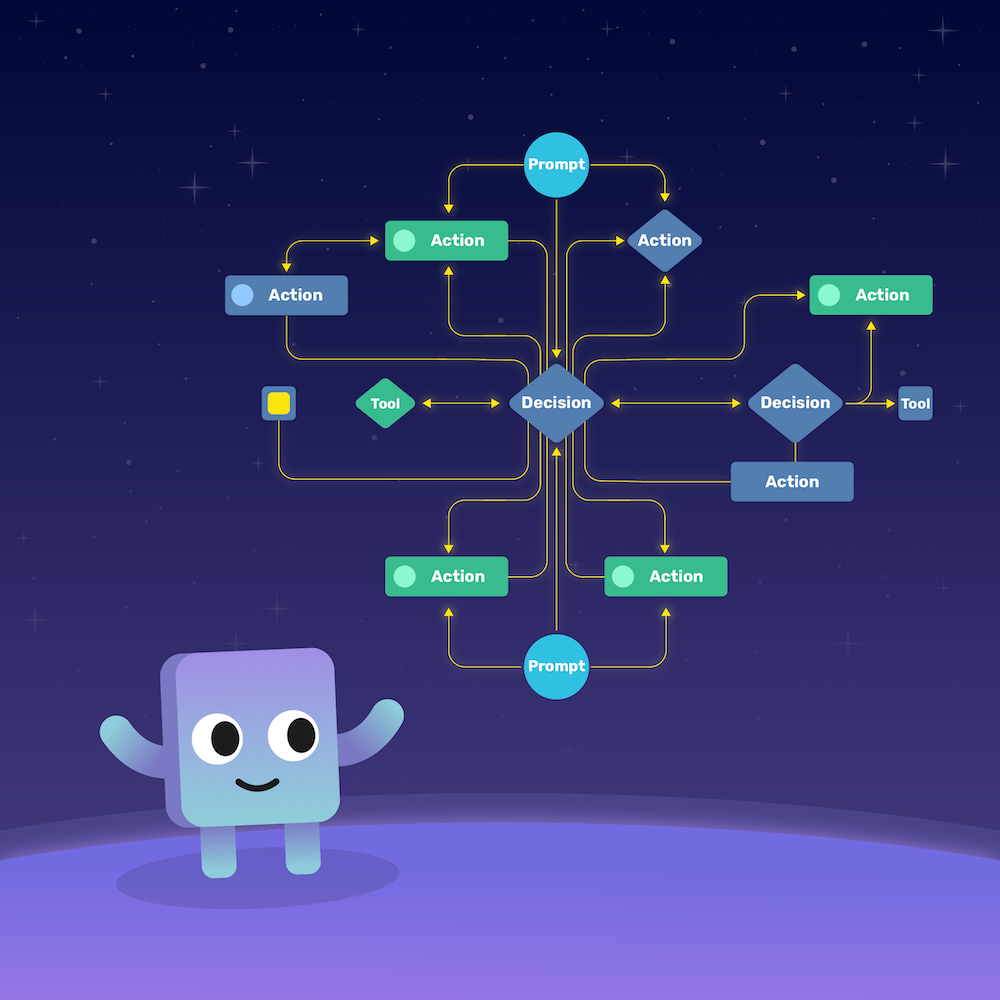
Now that we’ve built good prompts and designed smart tools, it’s time to put them to work — together. That’s where the agentic workflow comes in.
At its core, an agentic workflow is a way of wiring up how an LLM thinks, acts, and reasons over time. It’s how prompts, tools, and context come together into a living, adaptive system that doesn’t just respond — it behaves.
But before we start sketching flowcharts, let’s ask the obvious question:
Sometimes, the answer is no.
If your use case is simple — say, you just need to retrieve some data or process a short task — a well-crafted prompt and a couple of tools might be all you need. No need to over-engineer it.
But once your scenario starts to get complex — when the system needs to reason over multiple steps, make decisions, or collaborate across domains — then it’s time to think in terms of workflow.
And here’s the key idea that makes or breaks a good workflow:
That’s what turns an LLM from a chatbot into a reasoning engine.
Principle #18: The Agent Loop
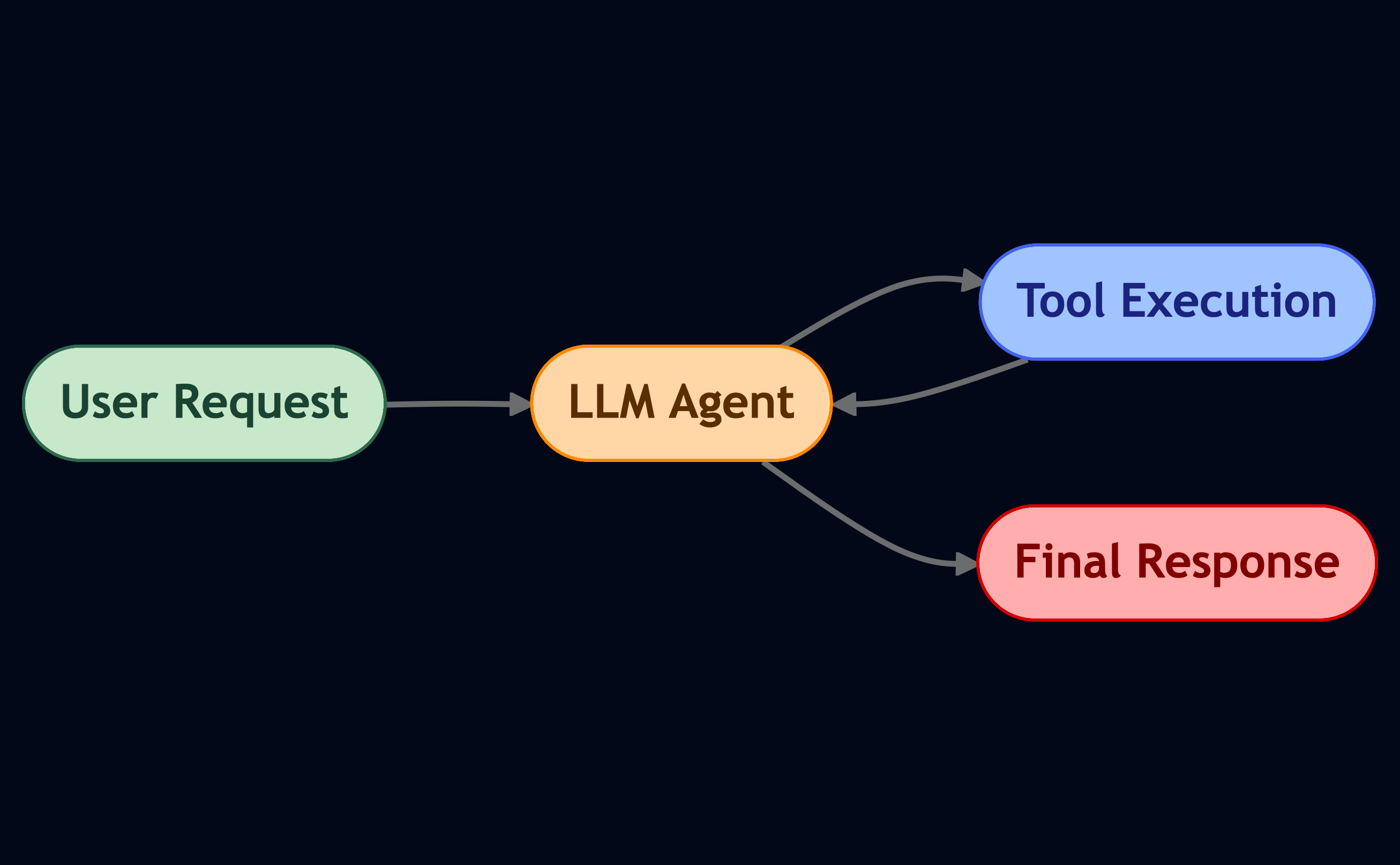
Let’s start simple. The agent loop is the heartbeat of most agentic systems.
It’s the classic “think-act-observe” pattern: the LLM gets a request, thinks about what to do, maybe calls a tool, gets feedback, and loops until it’s ready to respond.
If you’ve heard of ReAct, that’s exactly what this is — reasoning + acting in a loop.
Think of this as the LLM’s “inner monologue.”
It reasons, calls a tool, looks at what happened, and decides what to do next.
You can even add non-LLM nodes in the loop — for example, a deterministic function to handle something you don’t want the model to improvise on.
This balance of deterministic and generative parts is what makes a workflow both powerful and controllable.
Principle #19: Human in the Loop

Sometimes, your agent needs a little help — or, at least, a sanity check.
That’s where the human-in-the-loop pattern comes in.
You can design your system so that whenever the LLM hits a critical decision point, it pauses and asks for human confirmation before continuing. This “pause” is often called an interrupt — a concept borrowed from operating systems, where a process temporarily halts until an external signal resumes it.
This is super useful when you don’t want the agent to auto-complete sensitive tasks — say, sending an email or executing a database change.
It keeps humans in control, while still letting the system run autonomously most of the time.
Principle #20: Memory Matters
If you’ve worked with LLMs long enough, you know their memory isn’t exactly... great.
They only remember what’s inside their context window — and that gets expensive fast.
That’s where memory mechanisms come in.
Instead of keeping every detail, a good workflow uses memory strategically:
- Short-term memory: summaries of recent actions and tool results.
- Mid-term memory: structured notes or plans that persist across loops, but within the same session.
- Long-term memory: external systems like Mem0 or vector stores to recall information from previous sessions.
Think of it like how we remember things: we don’t recall every sentence of a conversation — just the key ideas.
Your agent should work the same way.
Bonus: The Pub/Sub Trick
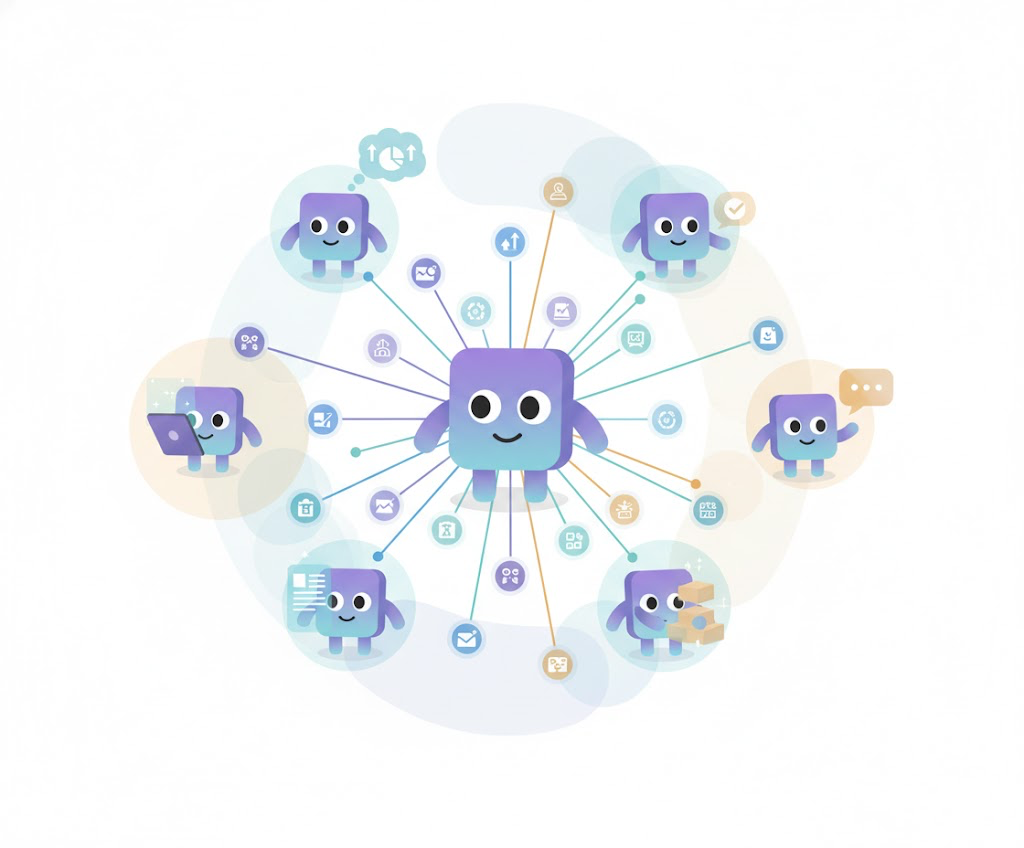
Here’s a small trick that makes your workflow feel alive: Pub/Sub.
In long-running workflows, agents can take time to think, call tools, and refine results.
Instead of leaving users staring at a loading spinner, you can publish intermediate updates (like “Fetching data…” or “Analyzing document 3 of 5”) through a Pub/Sub pattern — just like software systems do.
This keeps users informed and builds trust.
And in more complex systems, workflows can even subscribe to each other — so one agent’s progress triggers another’s start. It’s beautiful when it works right.
Single-Agent vs. Multi-Agent Workflows
Now, let’s zoom out.
Single-Agent Workflow
This is your simplest setup — one LLM, one loop, a few tools.
It’s simple, flexible, and easy to prototype.
But as your system grows, things can get messy.
Your single agent ends up juggling too many tools and responsibilities — and confusion (or hallucination) creeps in.
Multi-Agent Workflow
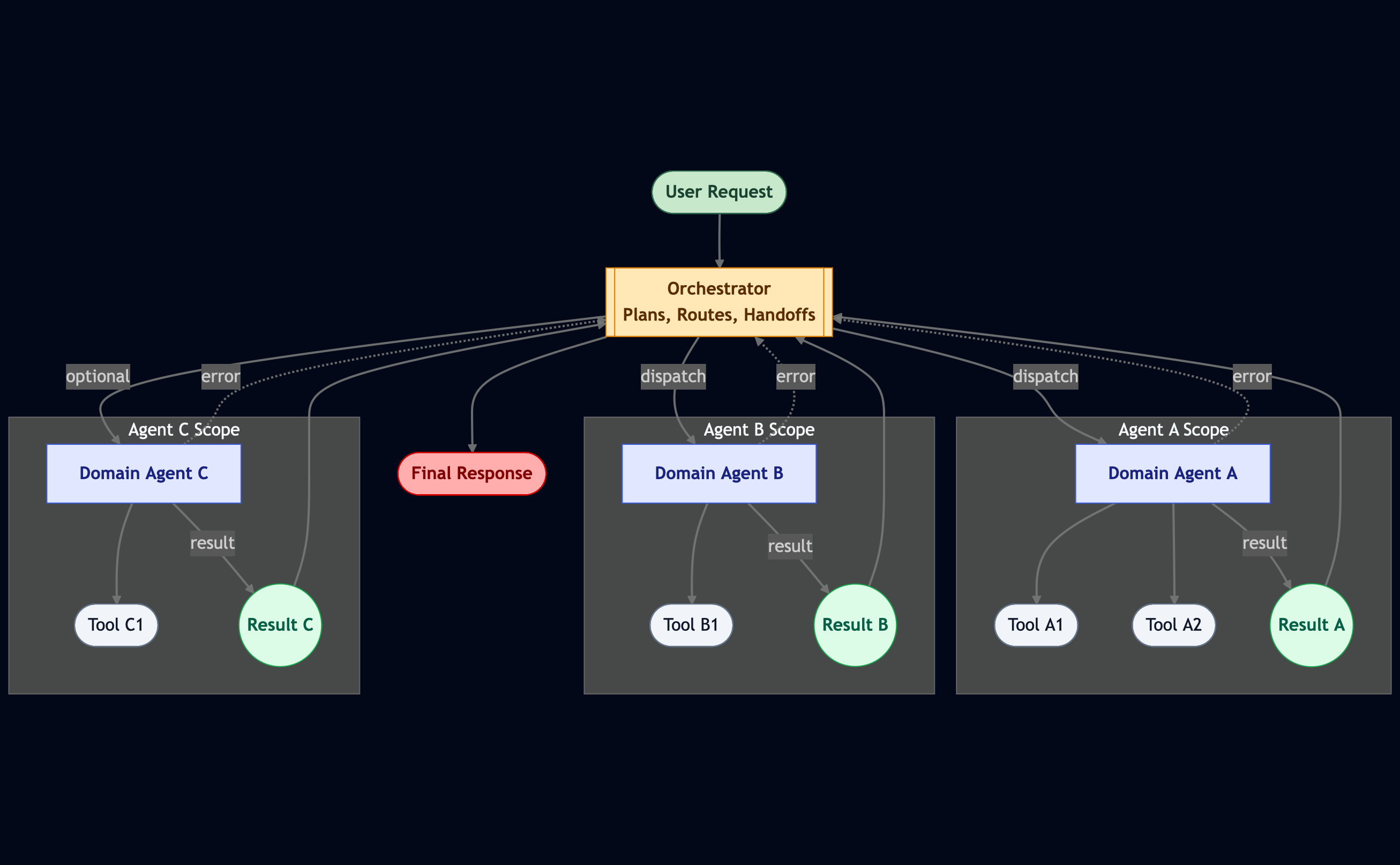
When your workflow gets bigger, it’s time to divide and conquer.
In a multi-agent workflow, each agent owns a domain — finance, research, writing, whatever.
Each has its own tools, personality, and focus area. This keeps context clean and reduces confusion.
It can even speed things up when some parts of the workflow run in parallel.
Of course, this brings new challenges: coordination.
Who decides which agent does what? How do we handle handoffs?
That’s where the orchestrator comes in — a special agent that holds the plan, assigns tasks, and adjusts dynamically as results come in. Think of it as the conductor in an AI orchestra.
The orchestrator makes sure everyone’s playing the same song — and no one’s stepping on each other’s notes.
Multi-agent setups also solve another big problem: Instead of one mega-prompt trying to cover everything, you get smaller, specialized prompts per agent.
It’s cleaner, faster, and easier to maintain — especially if you’re using smaller LLMs.
Summary: Agents
Start simple with a single agent loop. Then add humans or interrupts where needed. Scale up with orchestration when complexity demands it. That’s how you move from a chatbot… to a system that thinks, plans, and collaborates.
How to Choose A Model?

Now that we’ve talked about prompts, tools, and workflows, let’s wrap things up with one of the most common questions I get:
These days, we have quite a few options, but they generally fall into a few main categories — each with its own tradeoffs and sweet spots.
Reasoning Models vs. LLMs

Right now, you’ll often see two big types of models: standard LLMs and reasoning models.
Reasoning models are a newer class of LLMs designed to generate an extended reasoning chain before giving an answer. They take a little longer to think, but they often perform better on complex or multi-step tasks — like running tool chains or reasoning across multiple documents.
So if your workflow involves heavy reasoning, multiple tool calls, or dynamic and complex decision-making, a reasoning model is usually worth the extra processing time.
Interestingly, even though they’re slower in theory, reasoning models can actually finish faster in practice — because they get things right the first time, instead of wasting compute trying to recover from errors.
If you’d like to try it out, I recommend starting with Typhoon 2.5, which is designed specifically for agentic tasks and offers improved Thai language capabilities. Or, if you want to experiment with a reasoning model, check out Typhoon 2.1 Gemma— a hybrid reasoning model that can be toggled to “think longer” before producing an answer.
The model landscape is evolving rapidly, with plenty of exciting options to explore. To stay current with the latest trends and popular releases, I also suggest browsing the Hugging Face Models page.
Multimodal Models: Giving Your Agent New Senses
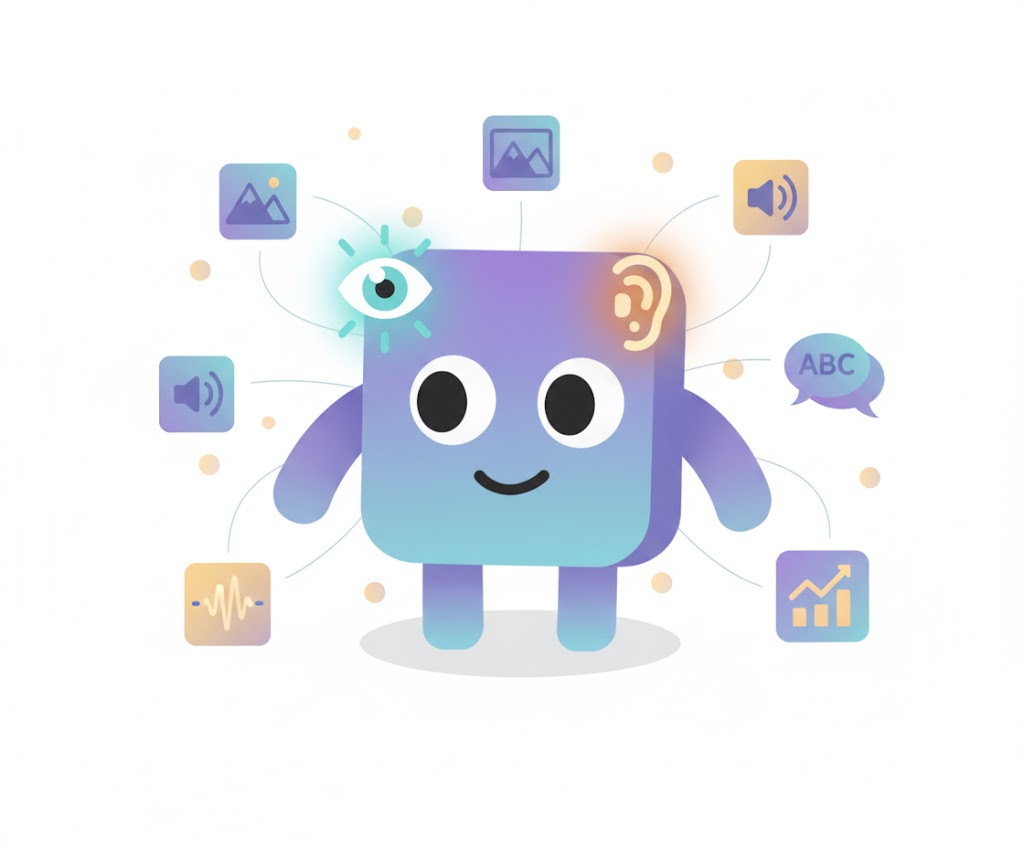
In addition to text-based models, multimodal LLMs are becoming more powerful and accessible.
Think of these as models with extra senses — like giving your agent eyes and ears. They can process images, screenshots, charts, and even audio, which opens up new use cases like visual search, document understanding, or multimodal reasoning.
If your workflow ever needs to connect language with perception — say, reading graphs, parsing PDFs, or describing images — multimodal models are worth exploring.
Model Size: Bigger Isn’t Always Better

When it comes to choosing the size of your model, there’s no strict formula.
In general, larger models perform better, but they also cost more and respond more slowly. Smaller models, on the other hand, can be surprisingly capable — especially if your prompts and context are well designed.
The trick is to match model size to the complexity of your workflow and latency tolerance of your product. For quick, real-time interactions, smaller LLMs are usually best. For tasks that need deeper reasoning or precision, go bigger.
And don’t forget — smaller models also open the door for fine-tuning, which can make them specialized and surprisingly strong within a narrow domain.
Typhoon 2.5 comes in two sizes — 4B and 30B A3B — so you can choose based on your use case. What’s special about the 30B model is that it’s a Mixture-of-Experts (MoE) model. This means that, during inference, only about 3B parameters are activated per input — actually fewer than in our 4B model. The result is faster processing, but with smarter reasoning. However, keep in mind that hosting the 30B model still requires enough memory to store all 30B parameters, even if only a subset is active at a time. For more information about hosting, please check out our our guide for hosting hardware.
Prompting, Fine-Tuning, and Prompt Optimization
In most cases, you don’t need to fine-tune your model at all.
Prompt engineering and context design can take you very far — and they’re much faster and cheaper to iterate on. Prompting gives you an immediate feedback loop: you tweak, test, and see results right away.
That said, fine-tuning still has its place — especially if you have a well-curated dataset and want the model to internalize certain styles or domain patterns. Just keep in mind that fine-tuning takes time, compute, and experimentation.
If you’re looking for a middle ground, consider automatic prompt optimization.
If you’ve built an evaluation suite (and you should!), you already have a validation set that can be used to automatically optimize prompts. Tools like DSPy make this process programmatic and repeatable — a cheaper and faster alternative to full-scale fine-tuning.
Summary: How to Choose a Model
At the end of the day, model choice isn’t about chasing the biggest or newest release.
It’s about choosing the right partner for your workflow — one that fits your system’s goals, speed requirements, and level of reasoning complexity.
If you design your context well, keep your workflows lean, and evaluate continuously, the model — whether small, large, reasoning, or multimodal — will perform at its best.
And hey, if you’re wondering where to start — we’ve got you covered.
At Typhoon, we offer a whole lineup of models to play with. Whether you want something lightweight and snappy or a model that really thinks before it speaks, there’s probably a Typhoon waiting to blow your benchmarks away.
Bonus: Non-LLM Models in Agentic Workflows
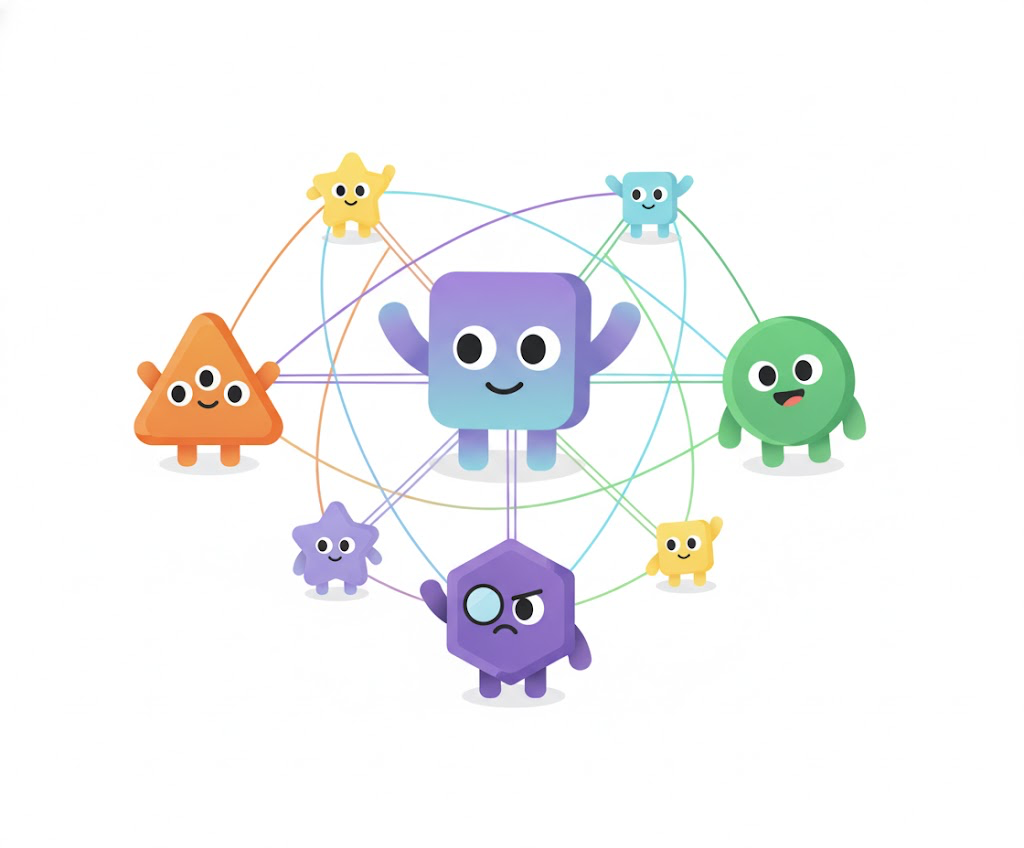
Although I’ve spent most of this blog talking about how to use LLMs, that doesn’t mean your workflow has to rely entirely on them. There are plenty of other machine learning models out there — and they can often do specific jobs faster, cheaper, and better.
For example, your workflow might include a classifier that identifies user intent and routes the request to the right agent or tool. Sure, you could use an LLM for that, but it’s not always the best idea — LLMs are big, slow, and expensive to run for such simple tasks. A small, fine-tuned BERT-based classifier will usually perform better and respond almost instantly.
Similarly, while a vision-language model can handle basic image understanding, it’s often overkill for specialized tasks like object detection. In those cases, a purpose-built model such as YOLO is usually faster, more accurate, and more predictable.
For example, if you need to extract text from images, an OCR model such as Typhoon OCR or DeepSeek OCR are a great fit. For audio transcription, an ASR model like Typhoon ASR Real-Time and Whisper can deliver better accuracy and speed. Some LLMs are also fine-tuned for specialized domains — such as translation (e.g., our **Typhoon Translate** ), mathematical proving, or medical understanding — which can be worth exploring depending on your use case.
Combining these models — LLMs for reasoning and orchestration, smaller models for perception or classification — often gives you the best of both worlds: a smarter system that’s also more efficient.
And remember, LLMs can only output text. If your workflow needs to generate other forms of content — like images, audio, or video — it’s best to hand that off to specialized generative models. These can turn the LLM’s plan into something more expressive: text-to-image, text-to-music, or even text-to-video generation.
In short: don’t treat your LLM as the whole orchestra. Sometimes the smartest move is to let other models play their parts — and let the LLM conduct.
Conclusion

We’re still at the very beginning of the agentic era — a moment when language models stop being passive responders and start becoming active collaborators. Building these systems isn’t just about chaining prompts and tools together. It’s about designing context with intention, evaluating with discipline, and engineering workflows that think and adapt.
If there’s one theme that runs through everything we’ve covered, it’s this:
The magic doesn’t come from the model alone — it comes from how you build around it.
Agentic workflows reward curiosity and iteration. Every tweak in context, every improvement in your evaluation loop, and every thoughtful tool you design brings the system one step closer to feeling truly intelligent. It’s not just software anymore — it’s a collaboration between human creativity and machine reasoning.
So keep experimenting. Keep testing. Keep building better agents that think, act, and learn in the wild.
And if you’re ready to explore what this looks like in practice, check out Typhoon 2.5 — our latest model built for agentic workloads. Typhoon 2.5 is designed to handle complex tool use and operate smoothly within dynamic workflows. Whether you’re building your first autonomous agent or orchestrating a multi-agent system, Typhoon 2.5 gives you the flexibility and intelligence to bring your ideas to life.
We can’t wait to see what you create next.
🎉 One More Thing

Actually—it’s two more things!
Here’s the first one.
I’ve prepared an example project to demonstrate the best practices and principles discussed in this blog. You can examine it and tinker with it yourself. It’s a simple IT support desk agent that can search through documents to answer your questions and manage tickets for you!
You can find the example repository here: https://github.com/scb-10x/typhoon-it-support-agent
As for the second one, given that nowadays people are working with AI CLI tools like Claude Code and agentic IDEs like Cursor, we also provide an AGENTS.md file that you can drop into your project and have the agent reference for refining your projects to follow these principles!
I can’t wait to see what you’ll build on top of this and share with the community!